While doing an Impedance Check, you might encounter the possibility that there is one or more channels with high impedances that will not allow you to run the Stimulation Protocol.
In this article you will learn, step by step, how to dismiss possible problems in your Starstim, we want to make sure that:
The Internal channels are working properly
The Cables are not damaged
For doing this we will need:
Starstim 8
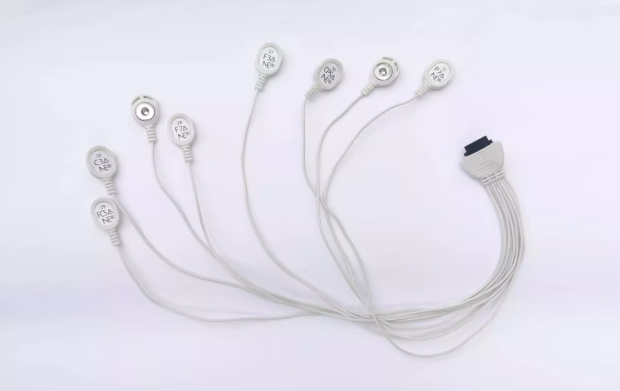
The set of electrodes Cables (NE017)
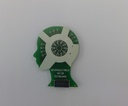
Testboard Head(NE038)
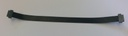
Testboard Cable (NE039)
We will name the High Impedance Channels as Ch A and Ch B, where channel A is the stimulation channel and channel B is the return.
WORKFLOW
Please follow the next steps:
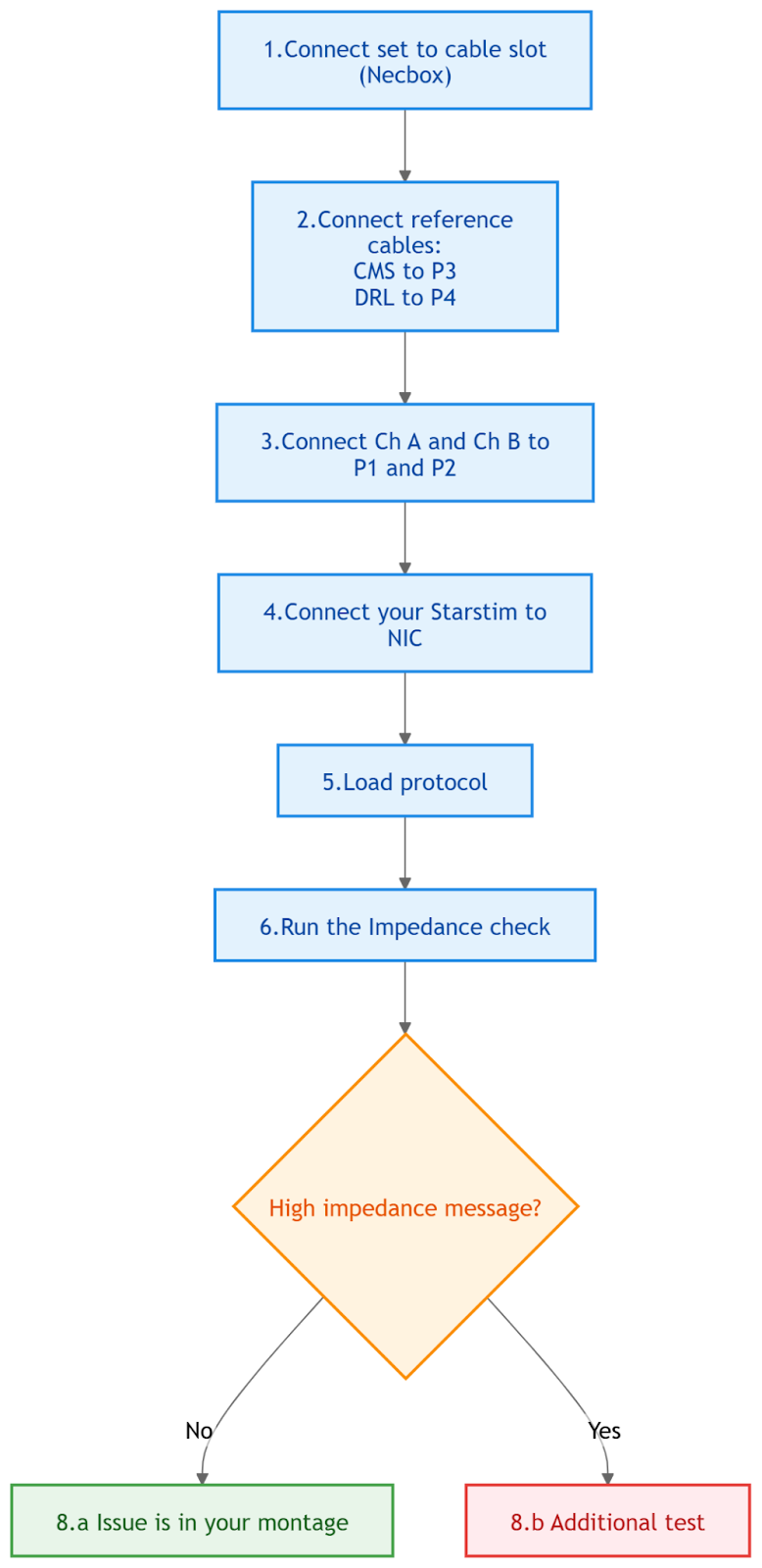
Connect the set to the cable slot in the Starstim.
Connect reference cables: CMS cable connected to P3 from the testboard and DRL to P4 from the testboard too
Connect the cables corresponding to Ch A and Ch B to P1 and P2 from your testboard. It does not matter which one goes in ChA and in ChB.
Open NIC and connect to your Starstim via USB or WiFi.
Load the protocol that you were using when the high impedance was detected.
Remember: the stimulation channels that present high impedances have to correspond to channel A and B.
Run the Impedance Check
If the protocol runs without any high Impedance Message, then the issue is in your set up and isn’t related to the device, please refer to the Article: How to lower high Impedances and do not continue this procedure.
If the protocol shows High Impedances -> Additional test
If you have an additional set of electrodes cables: Change the set of electrode cables.
*Only perform this test if you have another set of electrode cables available. If not, do the additional test ii.
If possible, change the set of electrode cables that you are using, use a different set, run the impedance check and see if there is any change regarding the high impedances values present on Ch A and Ch B. If the impedances have decreased and are approximately 4K, then the issue is with your current set of electrode cable. Refer to: Replacement or Repairs
If this test isn’t successful, do the additional test ii.
Black testboard cable.
Disconnect the set of electrode cables from the Starstim device, and from the testboard too. Then, connect the flat black cable, one end to the testboard and the other connected to the Starstim device, run the impedance check. If the impedances are above 5K your device needs to be repaired, please proceed to contact support@neuroelectrics.com Attach all the evidence for this workflow and serial number of the device (located at the back of the unit). Refer to: Replacement and Repairs
Was this article helpful?
That’s Great!
Thank you for your feedback
Sorry! We couldn't be helpful
Thank you for your feedback
Feedback sent
We appreciate your effort and will try to fix the article