NIC may occasionally close without warning due to an unexpected error. In this article you will learn how to report a NIC crash to our Support Team so the issue can be investigated and resolved.
We want to make sure that:
- You are running NIC version 2.1.4.1 or later, which includes automatic crash and logs reporting
- The Support Team receives everything they need to investigate the crash and guide you going forward
Verification of NIC Version:
1. Open NIC and see the red square from the picture.
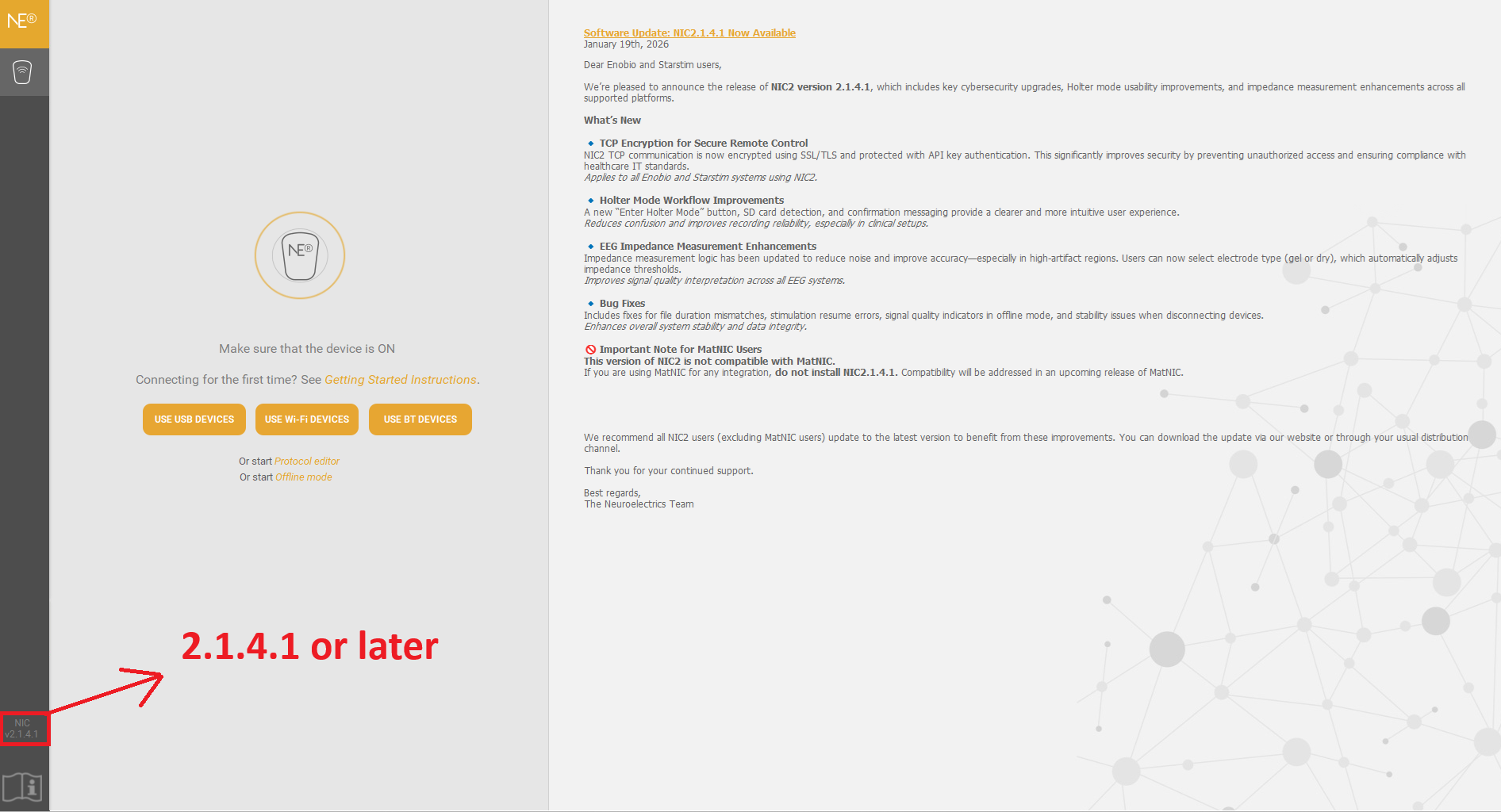
If you do not have NIC 2.1.4.1 or later, please update to the latest version from this download link.
If the issue persists please follow these steps:
1. Open File Explorer (yellow folder) on your computer.
2. Navigate to the following folder path: "C:\Users\Your_User\Documents\NIC\crash-reports"
Note: Replace `Your_User` with your own username — the name you see when you log in to your computer.
3. Navigate to the following folder path: "C:\Users\Your_User\AppData\Roaming\NIC2\logs"
Note: Replace `Your_User` with your own username — the name you see when you log in to your computer.
4. Locate the file or files inside those folder.
5.Report to support@neuroelectrics.com including:
a. Operating system in use and version
b. Device and serial number of your device
c. Steps that lead to the crash (in order for us to reproduce it)
d. Connection method between NIC and your device (USB or Wifi)
e. Time and date of the crash
f. Crash Reports from the folder on point 2.
g. Logs from the folder on point 3
h. Specify the urgency
You will get a response within 24hs with the next steps, a possible solution or a meeting request to understand better your crash.
Was this article helpful?
That’s Great!
Thank you for your feedback
Sorry! We couldn't be helpful
Thank you for your feedback
Feedback sent
We appreciate your effort and will try to fix the article