This error message typically appears when NIC2 is launched without a valid output directory specified.
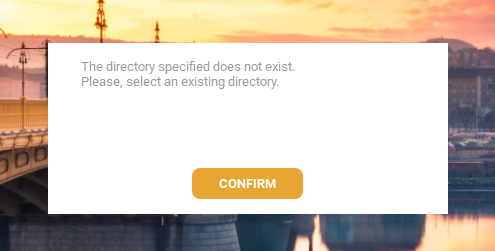
To solve this problem, the customer has to add a new location in the output folder. We can tell him the following guidelines:
The error you’re experiencing is most likely not related to the location of the NIC2 icon, but rather to an issue with the output directory, which may be empty or incorrectly set.
To resolve this, please follow the steps below:
Open NIC2 and go to the Protocol Editor.
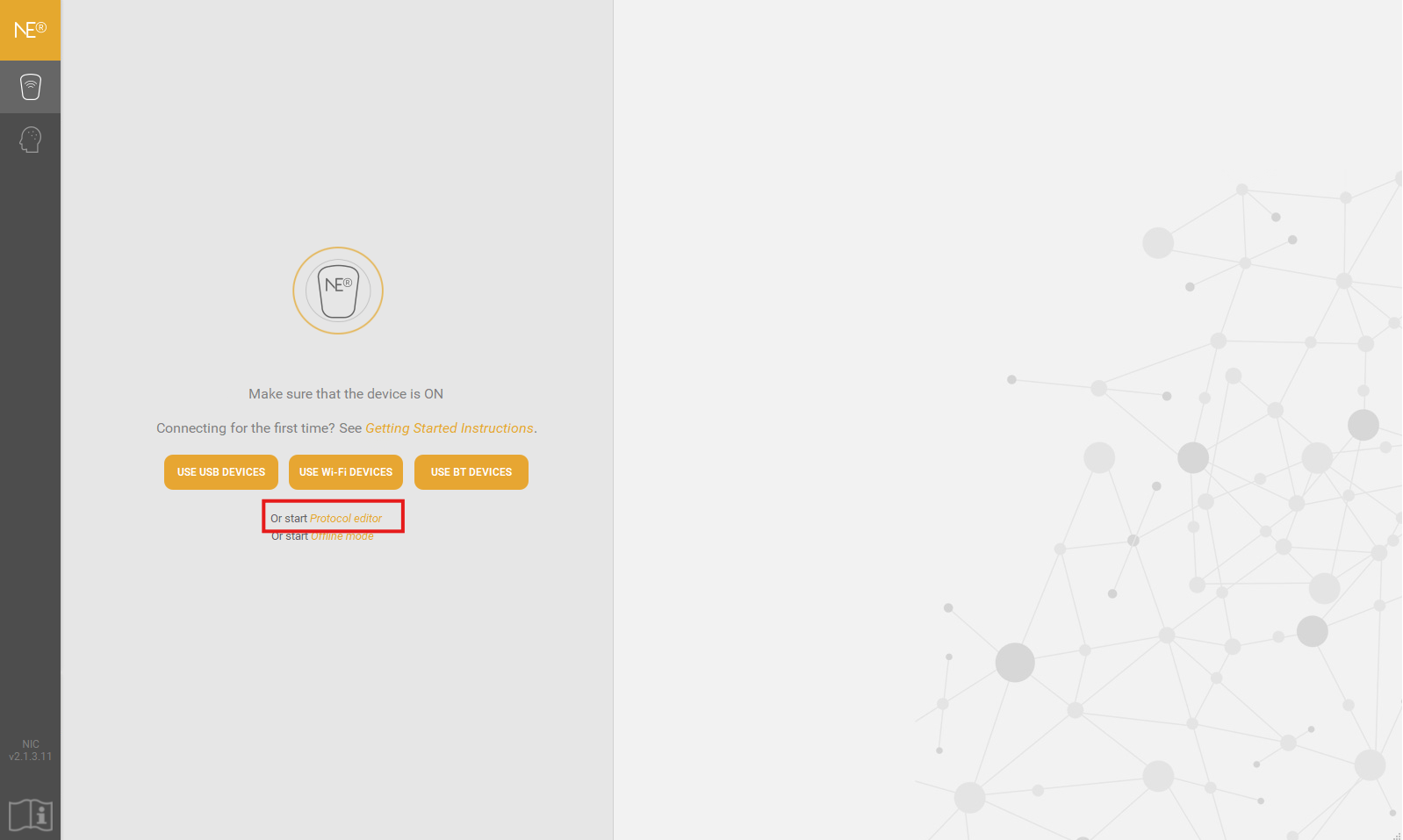
Select any protocol and click on Settings.
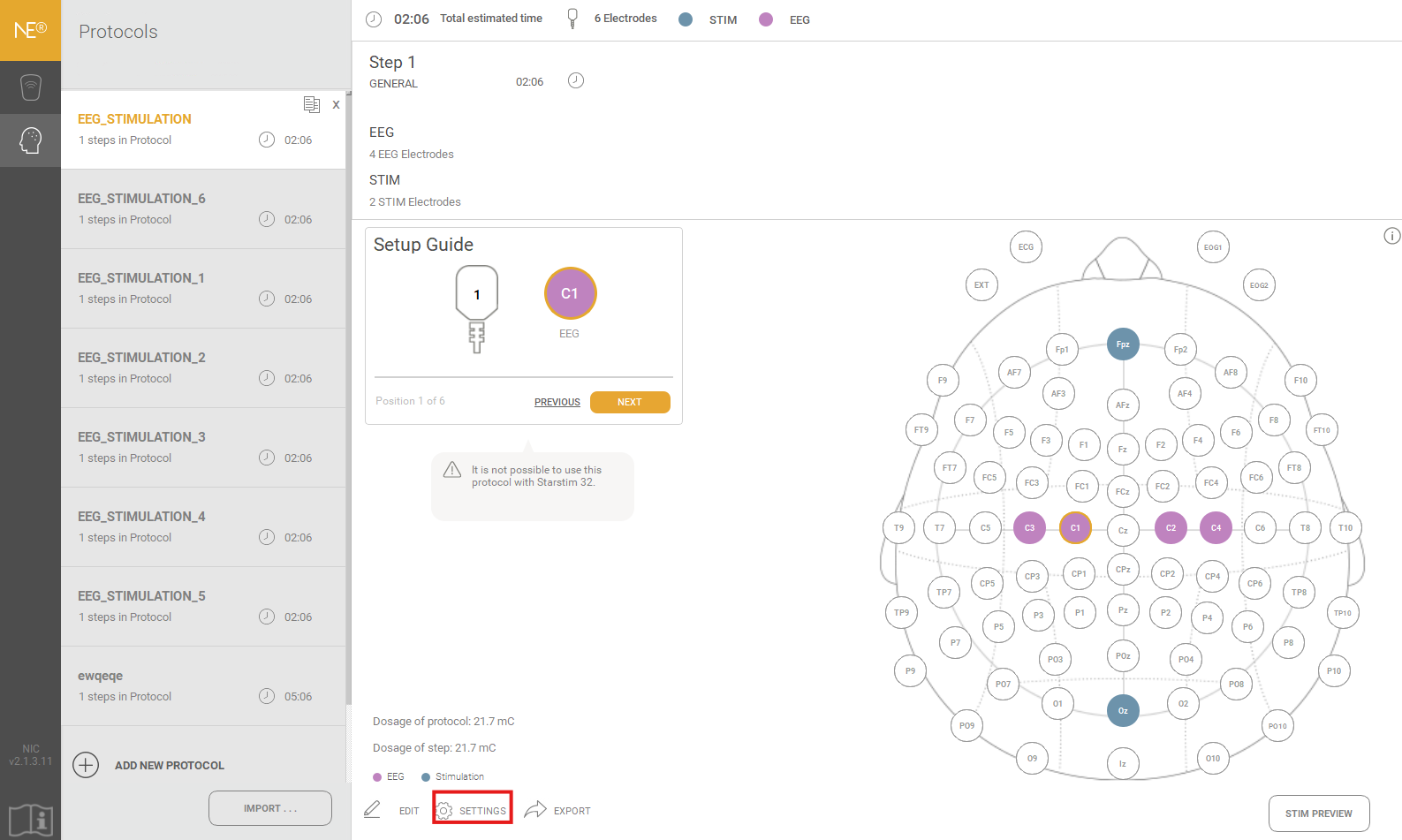
Check the Output Directory field and ensure it points to a valid folder on your computer.
If the field is empty, please select or create a new folder as the output directory.
Was this article helpful?
That’s Great!
Thank you for your feedback
Sorry! We couldn't be helpful
Thank you for your feedback
Feedback sent
We appreciate your effort and will try to fix the article