When using AMD processors it may happen that there is an issue while rendering the Stim Preview.
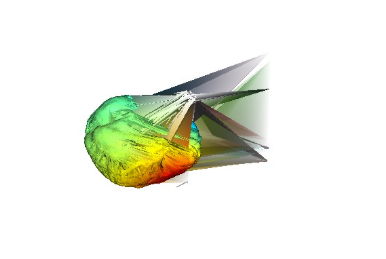
To solve this visualization:
- Update your AMD graphics driver.
- Go to the folder where NIC is installed (…/Program Files/NIC2/…) and rename the “opengl32sw.dll” file to “opengl32.dll”, this will force the software to use software acceleration instead of hardware acceleration for OpenGL rendering (notice this will consume more RAM!) to avoid depending on graphic drivers.
Was this article helpful?
That’s Great!
Thank you for your feedback
Sorry! We couldn't be helpful
Thank you for your feedback
Feedback sent
We appreciate your effort and will try to fix the article